 Rob
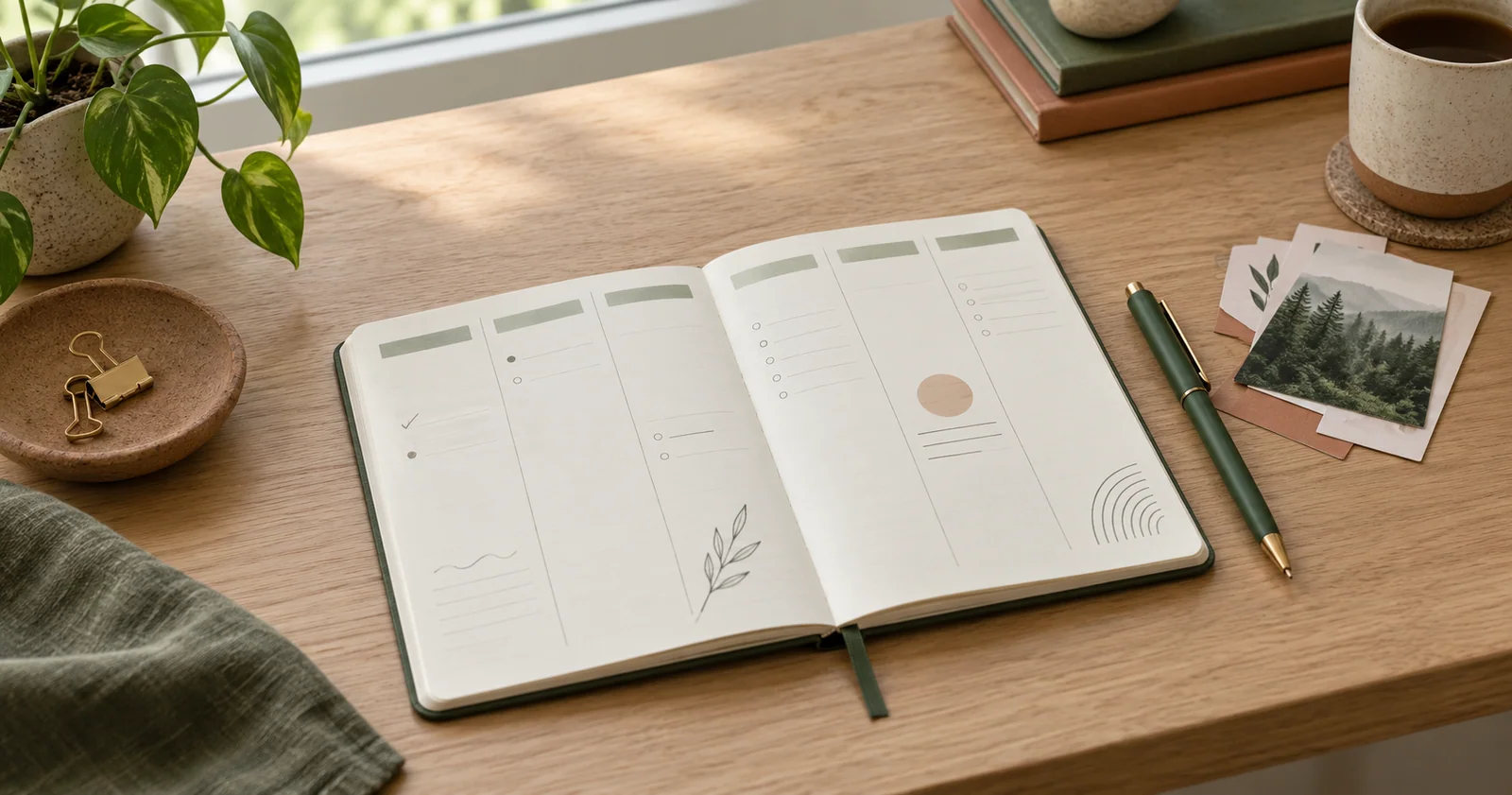
A planner is useful when it helps you make the next decision. It does not need to contain a task for every hour, a colour for every activity or a perfect record of everything you did. Start by giving appointments, chosen tasks and unsorted thoughts different places. That separation makes a partly filled page easier to trust.
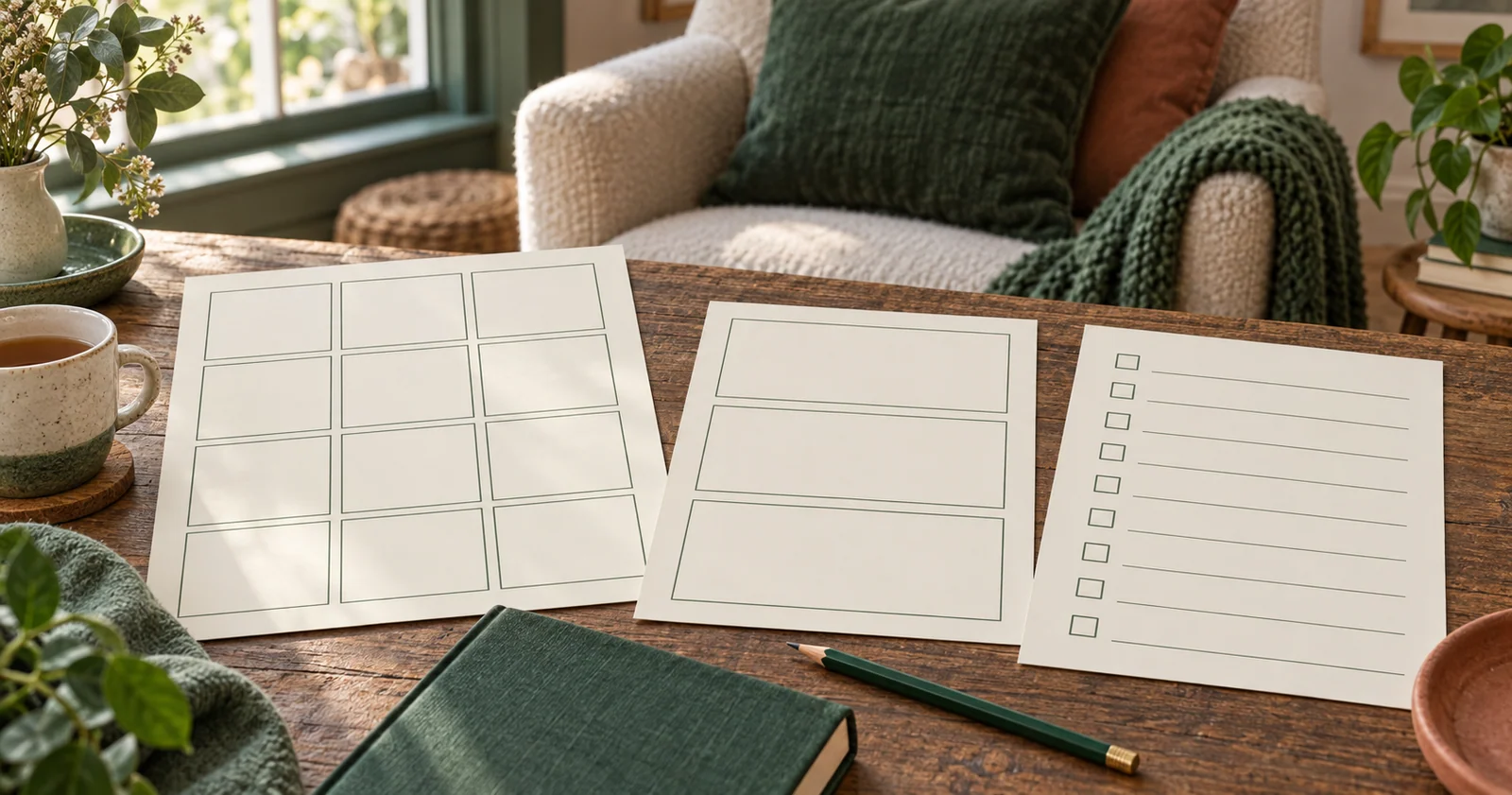
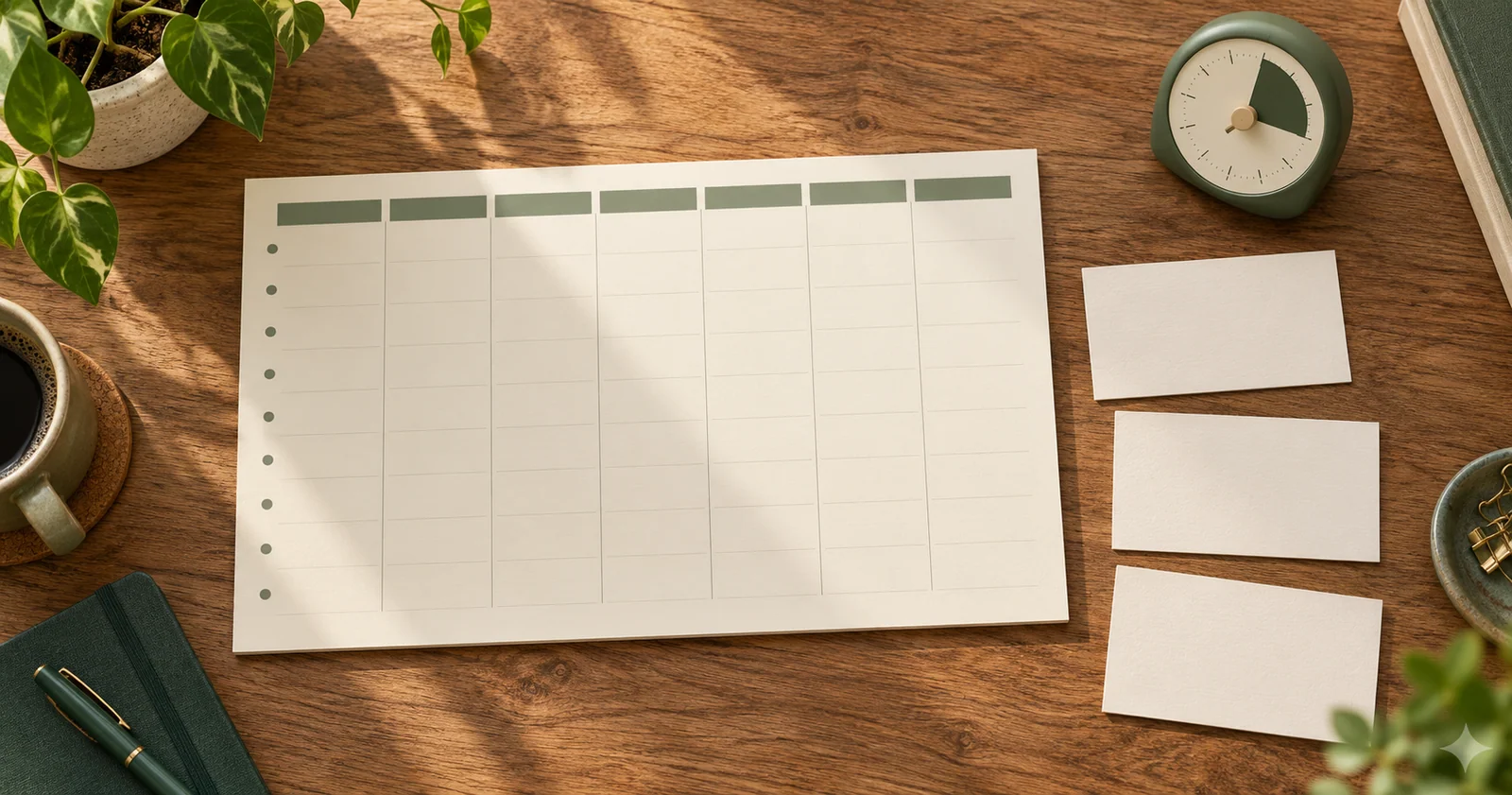
This guide works with a bound planner, a notebook or the free weekly planner. The printable worked week and blank practice page show the same approach on paper. Use the example as a demonstration of decisions, rather than a schedule you are supposed to copy.
Decide which page answers which question
If the page format is still undecided, use the calendar and planner layout comparison to match the view to the question you need to answer. Then apply the routine below to the pages you actually need.
A monthly page answers “what is coming up?” Put dated commitments there: appointments, travel, a booking to confirm or a project deadline. A weekly page answers “what can fit around those commitments?” It gives you enough context to move flexible work between days. A daily page answers “what am I doing next?” You may not need all three.
If you have a few appointments and a short task list, a weekly page can hold the whole system. Add a monthly view when looking further ahead becomes difficult. Add daily pages when an individual day needs more detail than a weekly box can hold. Buying or printing extra pages before you know their purpose can create several competing places to update.
Choose one location as the trusted record for each type of information. For example, a shared digital calendar may remain the main appointment record while your paper planner holds today’s tasks. In that arrangement, copy the relevant appointments onto the paper page during your review and keep the calendar authoritative if a time changes. The arrangement matters more than using paper for everything.
Put fixed commitments down first
Write appointments at their actual times, including the time needed to get there or prepare. A meeting from 10:00 to 10:30 does not necessarily leave you free until 10:00 if you need to travel. Mark the travel or preparation separately so the planner does not offer that time to another task.
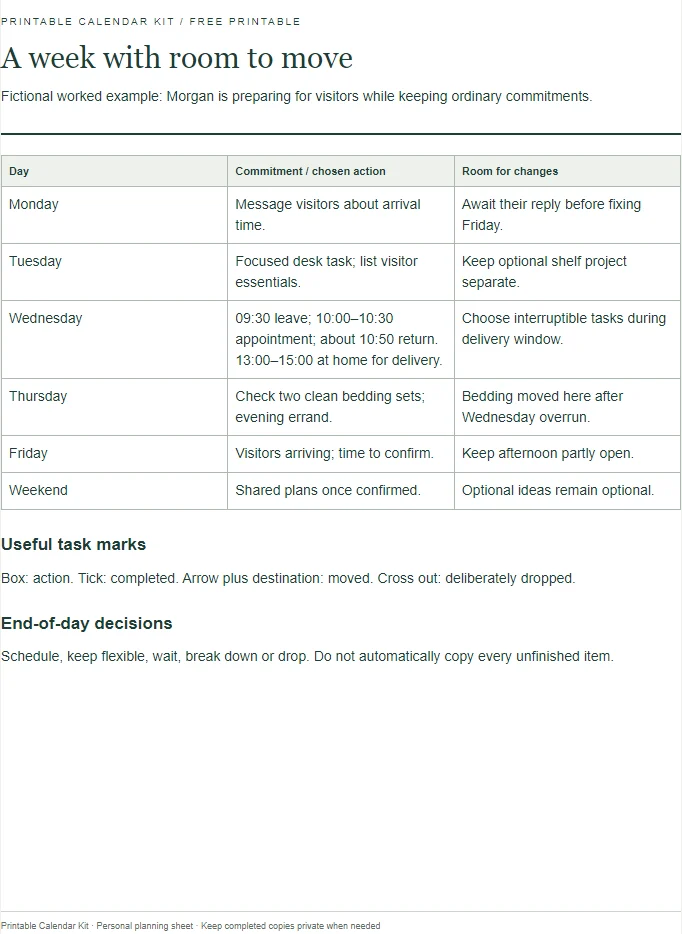
Consider a fictional Wednesday. Morgan has an appointment from 10:00 to 10:30, with a twenty-minute journey each way. Leaving at 09:40 and returning at 10:50 means the appointment occupies seventy minutes of the day. Morgan also allows a short arrival margin and leaves at 09:30 instead. The planner should show the decision to protect that time, not only the thirty-minute appointment.
Include other constraints that affect your choices. A collection window, a shared car or a period when you must be available at home can restrict the day without resembling a conventional meeting. Write the practical constraint in plain language. “At home for delivery, 13:00–15:00” helps you choose compatible tasks for that window.
Turn broad tasks into visible next actions
“Sort out the spare room” is a project, not a clear instruction for the next half hour. A next action could be “put the books on the floor into three labelled boxes”. You can see when that action is finished, and you can estimate its size more easily than the whole project.
Keep a short project note for the larger outcome and put only the next relevant action onto the day. This prevents the daily list from repeating the same large phrase for weeks. If the first action reveals more work, update the project note and choose another step. The planner is allowed to reflect new information.
For Morgan’s Wednesday, “prepare for weekend visitors” becomes “check which bedding is clean” and “message guests about arrival time”. One action can happen at home; the other takes a brief communication window. Neither requires the whole room to be finished before it counts as complete.
Choose a realistic day, then leave space
Put an ordinary day on the page
| Order | Entry | Check |
|---|---|---|
| 1 | Fixed commitment and supporting travel | Use confirmed times |
| 2 | One useful next action | State a finish you can recognise |
| 3 | A suitable work window | Check duration, location and materials |
| 4 | Unallocated room | Keep interruptions from displacing every task |
Once fixed commitments are visible, look at the remaining usable periods. Do not count every unlabelled minute as productive capacity. Meals, breaks, transitions and ordinary interruptions need room. If you do not know how much a task will take, make an initial estimate and revise it after doing similar work.
Morgan has ninety minutes free before leaving for the appointment, an hour after returning and a delivery window in the afternoon. The first block is suitable for a focused desk task. The hour before lunch can hold bedding checks and a short household job. The delivery window can hold work that tolerates interruption. Matching the task to the shape of the time is more helpful than simply fitting task lengths into empty boxes.
Choose one outcome that would make the day feel usefully directed. Then add a small number of supporting actions. Put optional work in a separate “if there is room” list. That distinction makes it easier to stop adding tasks once the day is full and easier to choose something extra if a commitment ends early.
A blank area can be intentional. You might reserve it for changes, notes from an appointment or an action that emerges during the day. Filling every space removes those options. You do not need to decorate or label the blank area to justify leaving it there.
Use simple marks that survive a busy day
A basic key can use a box for a task, a tick for completion, an arrow for a moved task and a line through an item you have deliberately dropped. Write the destination beside an arrow when it would otherwise be unclear. “Moved to Friday” is more useful than an unexplained symbol.
Use a different visual treatment for appointments, such as writing the time first. That keeps a cancelled appointment from looking like an unfinished task. If you use colour, make sure the meaning is also available in words or symbols. A planner should still make sense when the only pen nearby is black.
Record partial progress in a short note when it changes the next action. “Draft started; add delivery details” is more useful than leaving “write message” unchanged after you have already done half the work. The next time you open the page, you can resume without reconstructing what happened.
Move unfinished work deliberately
At the end of a day, review unfinished items one by one. Ask whether the task still matters, whether the wording is clear and whether it needs a date. Choose to schedule it, keep it on a flexible list, wait for someone else, break it down or drop it. Moving everything automatically gives tomorrow the same overloaded starting point.
Suppose Morgan does not sort the bedding because the appointment overruns. The task still matters before guests arrive, so it moves into Thursday’s available household window. The optional task of reorganising a shelf does not move onto Thursday’s main list. It returns to the project ideas page, where it can wait without competing with the visitor preparations.
If the same task moves repeatedly, examine the reason. It may be too large, blocked by a missing decision or less important than the work you keep choosing instead. Change the plan accordingly. Repeated arrows are information about the task or the schedule; they are not a reason to copy the item more neatly.
Review the week without rewriting everything
Choose a regular review occasion that fits your life. Look back for unfinished actions and notes that need following up. Look ahead for appointments, deadlines and preparation. Then choose the week’s main outcomes and place only the actions that genuinely need a day or time.
For a worked week, Morgan places visitor preparation before Friday, keeps Wednesday’s appointment and sets aside a Thursday evening errand. Friday afternoon remains partly open because guests have not confirmed their arrival time. The uncertainty is written down rather than disguised as a precise timetable.
During the review, check any second system you rely on, such as an email inbox, a shared calendar or a paper letter tray. A planner cannot reflect a deadline that was never transferred from the letter containing it. You do not need to copy the whole message: write the action, deadline and where the details can be found.
Keep reference information separate from actions
Addresses, measurements, recurring instructions and project notes may be useful without being tasks. Put them on a reference page and label it clearly. A daily list full of facts is harder to scan because every line appears to demand action, even when it only records information.
A reference note might say “spare bedding is in the top cupboard”. The action might say “check two sets are ready”. Keeping those separate lets the reference remain useful after the action is completed. An index or a tab can help you find reference pages, but a small planner may need only a few labelled sheets.
Be selective about personal details. A planner carried in a bag can be lost. You can record “check booking email” instead of copying a full booking reference or private account information. Include what makes the action possible and keep sensitive supporting details in their appropriate place.
Questions about starting a planner
What if I miss several days?
Start with today’s commitments and review any outstanding actions that still matter. You do not have to reconstruct every missing day before the planner can become useful again. If an old note affects a current decision, transfer that specific information. Leave the rest as an incomplete historical record.
Should every task have a time?
No. A time is useful when it protects a needed block or connects the task to a commitment. Flexible actions can stay in a short list until an appropriate opportunity appears. Giving every small task an exact start time can create unnecessary editing whenever the day changes.
How do I know the layout is wrong for me?
Look for a repeated practical problem: appointments are hard to find, writing space is too small or you keep needing information on another page. Change the layout to address that problem. Try the revised page for an ordinary week before adding more sections. A useful planner is one you can consult and update without a second planning session.
How do I keep an old planner useful?
Before putting an old planner away, transfer only the references and unfinished commitments you still need. Mark the destination beside each transferred item so the old page does not look like an unresolved second list. Keep completed pages as a record if they help you understand past timing; they do not need to be recopied into the new planner.